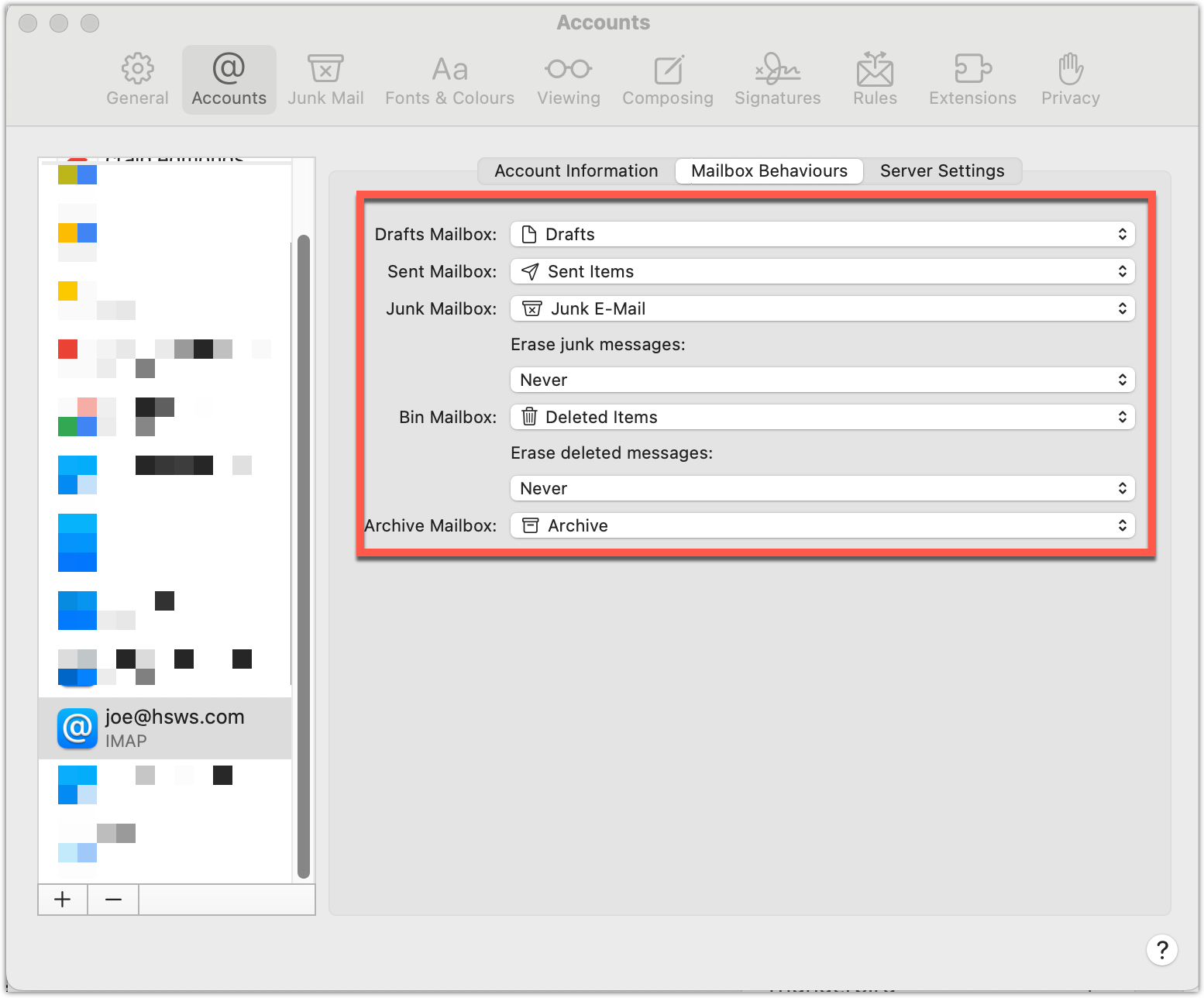
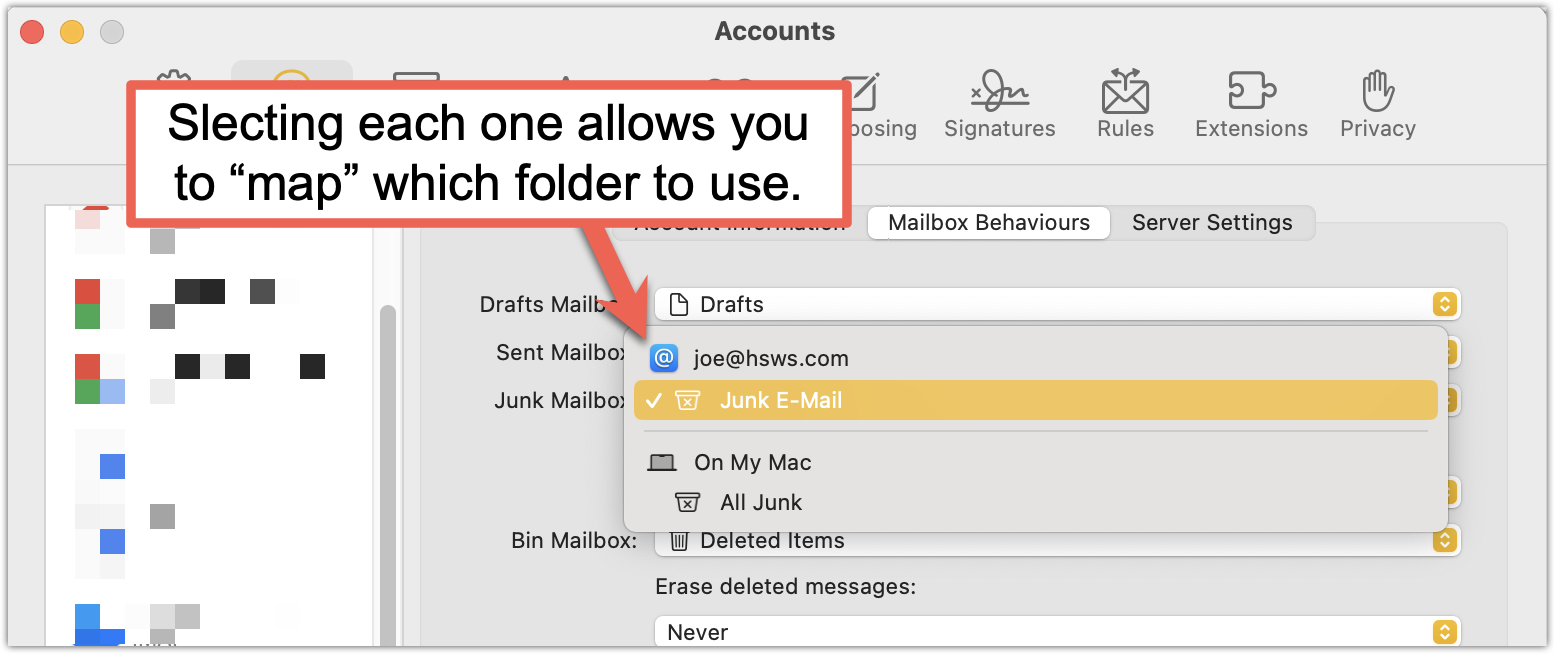
If you are missing a default mail folders in your Mac mail such as Junk/Spam, then follow the advice below.
To view the settings, on your Mac mail do the following:
1. Open Mac mail
2. From the Top Bar select Mail > Settings
3. From the list of accounts, click on an account
4. Select the tab called "Mailbox Behaviours".