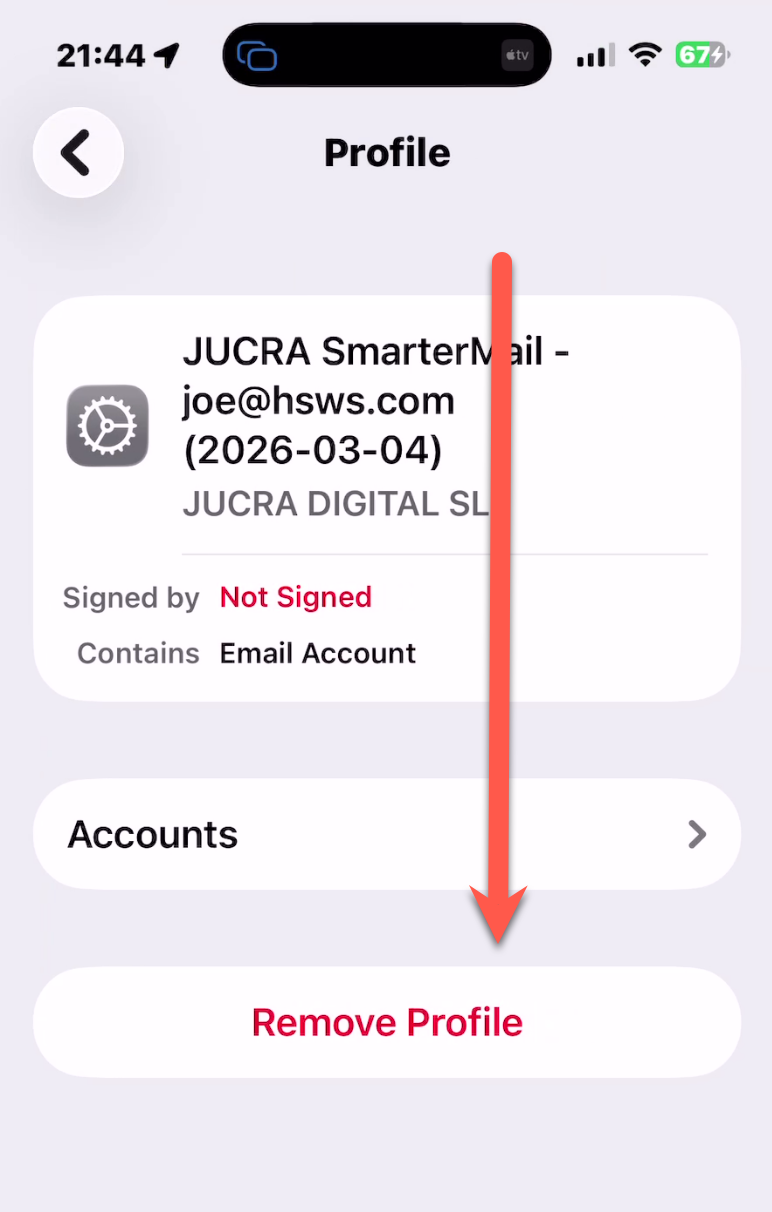
You are reading this tutorial because you wish to delete an email account from your iPhone.
NOTE, this will be an email account installed as a profile installer and appears in the VPN & Device Mnagement page in your iphone.
If you have previoulsy installed the mail account using "normal" method, click the link to view that version.
https://jucra.com/whmcs/knowledgebase/293/
Step 1
You need to go to General > Settings on your phone.
Step 2
Search in the search bar "VPN" and Click on "VPN & Device Management"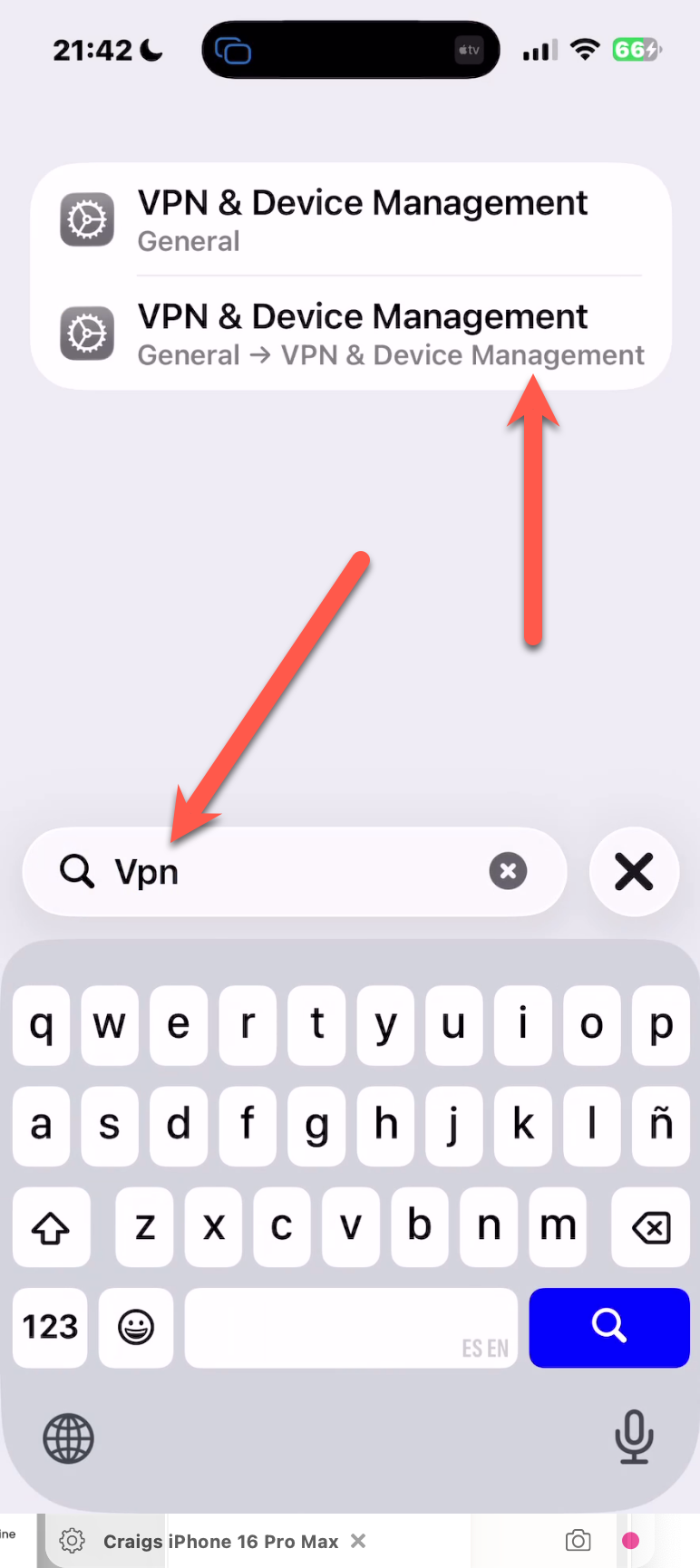
Step 3
There you will see a button for "Remove Profile. Click that to remove it and the email account will also be removed.